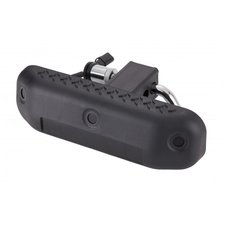
















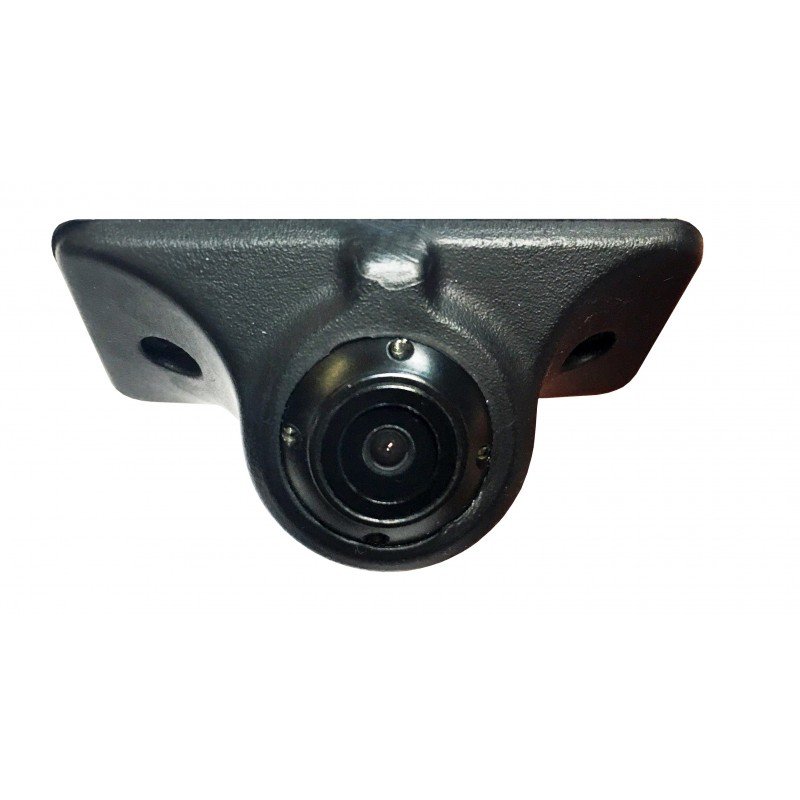
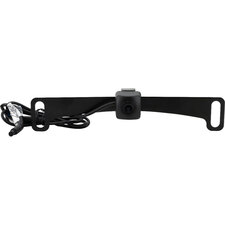
Stinger PCAM-BS1-N Universal Side-View Mirror Blind Spot Camera



Quadratec Part #:
96103-2012
Stinger Part #:
PCAM-BS1-N
In Cart Price
$99.00
Guaranteed Best Price
$99.00


In Stock
Usually Ships in 2-3 days

Description
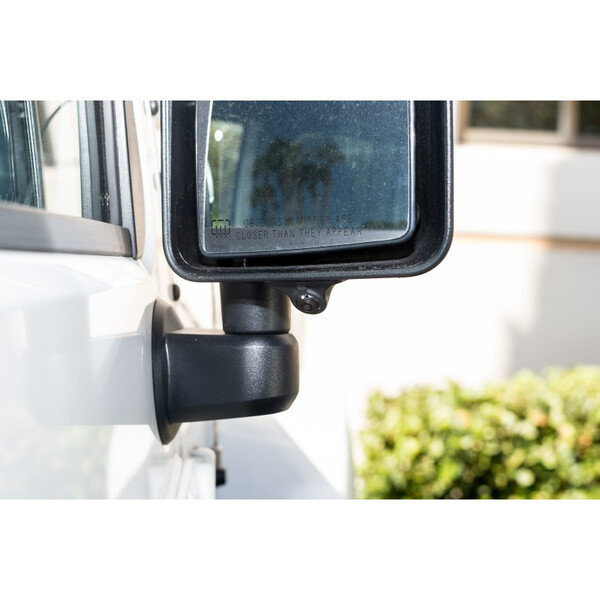
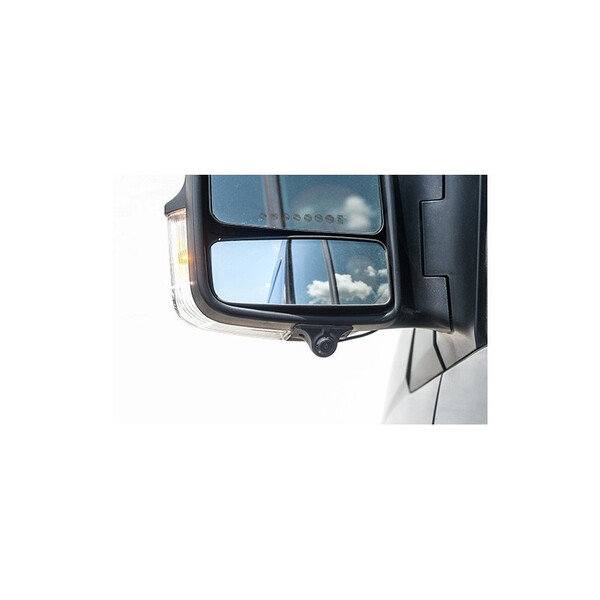
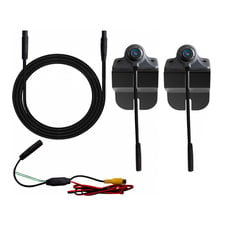
Universal Fit: Works with most vehicles and installs easily using self-adhesive backing.
Wide-Angle View: Expands visibility to eliminate dangerous blind spots.
Weather-Resistant Design: Built to withstand rain, heat, and harsh driving conditions.
Low-Profile Appearance: Sleek design integrates seamlessly with side mirrors.
Simple Installation: Quick setup without drilling or complex wiring.
Popular Similar Items


Details
The Stinger Universal Self-Adhesive Side-View Mirror Blind Spot Camera is a smart solution for improving safety and awareness on the road. Designed to mount easily to virtually any vehicle’s side-view mirrors with strong self-adhesive backing, this compact camera provides a wide-angle view of your blind spots. It’s an excellent tool for safer lane changes, merging, and navigating tight spaces, giving drivers confidence in situations where visibility is often limited.
Built with durability in mind, the EchoMaster blind spot camera is weather-resistant and engineered to perform reliably in all driving conditions. Its sleek, low-profile design blends seamlessly with your vehicle’s mirrors while transmitting clear video to your display for real-time monitoring. With simple installation and universal compatibility, the PCAM-BS1-N is the perfect way to enhance safety without complicated modifications.

- Features: Blind Spot Warning
- Shipping Weight: 2lb
- Shipping Dimensions: 6in x 4in x 2in (L x W x H)
Share Your Thoughts
- Shared By Others
- Share a Photo
- Ask a Question
- Write a Review
Questions
Andrew W.
How does it tie into your factory screen for a 2020 Jeep Gladiator Rubicon, like what do you push n how do you toggle back n for from rear camera, L & R side and front/grill camera and when you put it in reverse and the back uo camera displays how do you then switch to side cameras to check the L & R sides ?

The Stinger PCAM-BS1-N Universal Side-View Mirror Blind Spot Camera cannot plug directly into a stock factory Uconnect screen (such as the 7-inch or 8.4-inch radio in a 2020 Gladiator Rubicon) on its own. Because factory Jeep radios lack extra multi-camera video inputs and automated switching triggers, integrating aftermarket side-view, front, and rear cameras into the factory screen requires an additional camera interface module or a complete aftermarket infotainment system (like a Stinger HEIGH10).
When installed with a proper multi-camera interface or an aftermarket head unit that supports multiple camera triggers, here is how the operation works:
Automatic Triggers (Reverse & Turn Signals):
When you shift into Reverse, the system automatically overrides the screen to display the rear backup camera.
If integrated with your turn signal circuit, activating your left or right blinker can automatically trigger that specific side-view blind spot camera to pop up on screen.
Manual Toggling & Switching:
To manually view your front, rear, or side cameras on demand (or to cycle through them while parked or moving forward), you use the software camera app icon or physical on-screen menu buttons provided by your interface module or aftermarket radio display.
If you are currently viewing the backup camera in reverse and want to check a side camera, you cannot "switch" directly from the reverse screen via factory steering wheel buttons unless your specific camera switcher box or radio firmware has a designated manual override button mapped on-screen or to a custom steering wheel control input.